Vistar Electronics manufactures a full range of USB C receptacle connectors (female Type-C sockets) for PCB mounting. Available in 24-pin, 16-pin, 14-pin, 9-pin, and 6-pin configurations with SMT vertical, SMT right‑angle, mid‑mount, and DIP through‑hole mounting styles. All models support USB 2.0 through USB4 Gen 3 (40 Gbps), rated 5A/30VDC with 10,000 mating cycles. RoHS 3 & REACH compliant. MOQ from 1,000 pcs.
| Connector Type | USB Standard | Data Rate | Current | Alt Mode | Mating Cycles | Best For |
|---|---|---|---|---|---|---|
| 24-Pin Full‑Featured | USB4 / USB 3.1 Gen 2 | Up to 40 Gbps | 5A / USB PD | DP / HDMI / TB | 10,000 | Laptops, docks, industrial |
| 16-Pin Standard | USB 2.0 | 480 Mbps | 5A / USB PD | Not supported | 10,000 | Chargers, IoT, low‑cost |
| 14‑Pin / 12‑Pin | USB 2.0 | 480 Mbps | 5A / USB PD | Not supported | 10,000 | Cost‑sensitive designs |
| 6‑Pin Compact | USB 2.0 | 480 Mbps | 3A | Not supported | 5,000 | Wearables, IoT nodes |


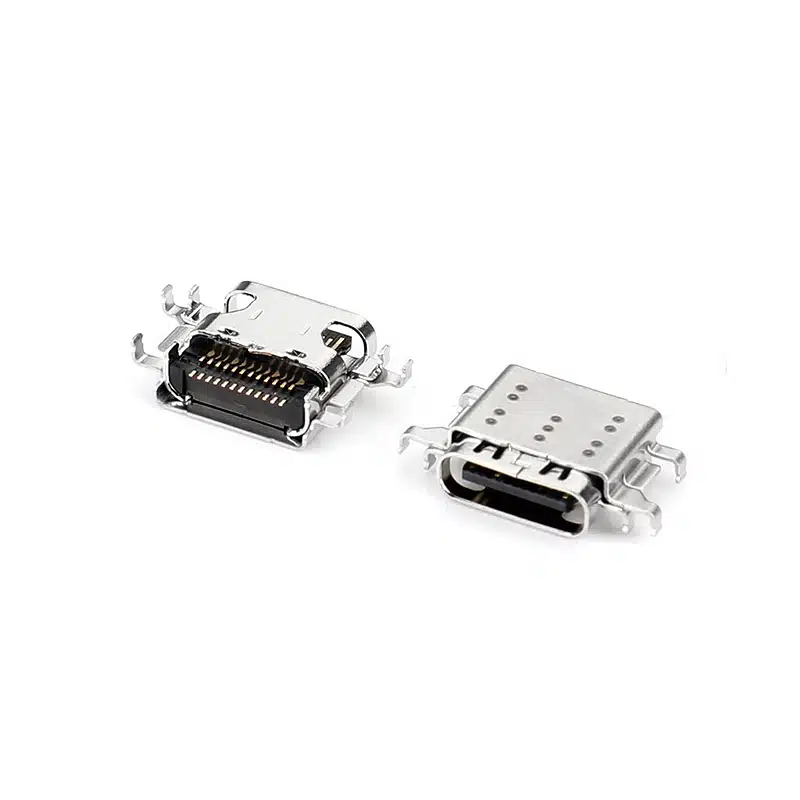


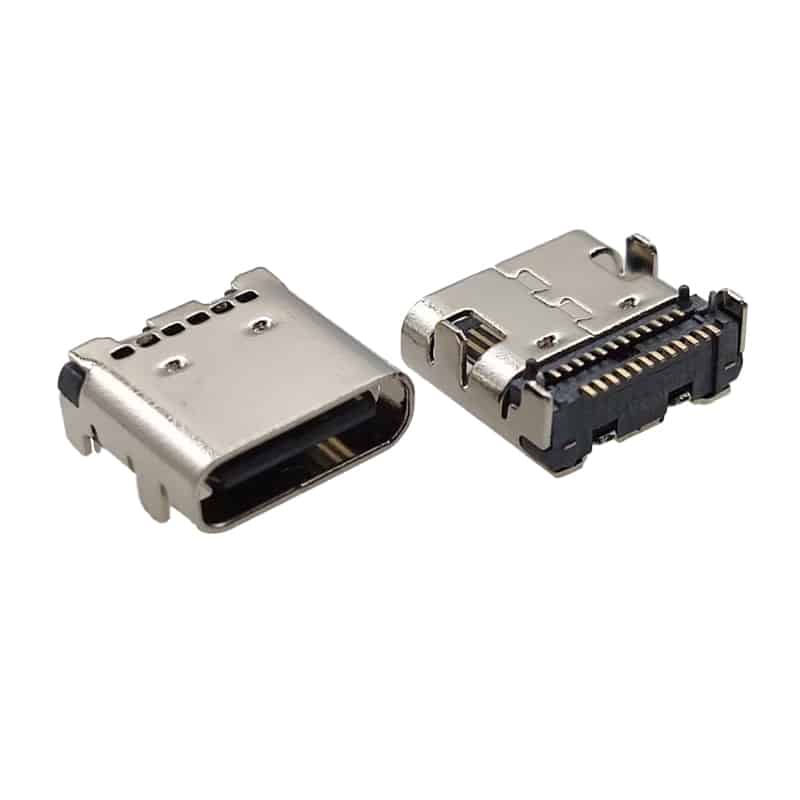


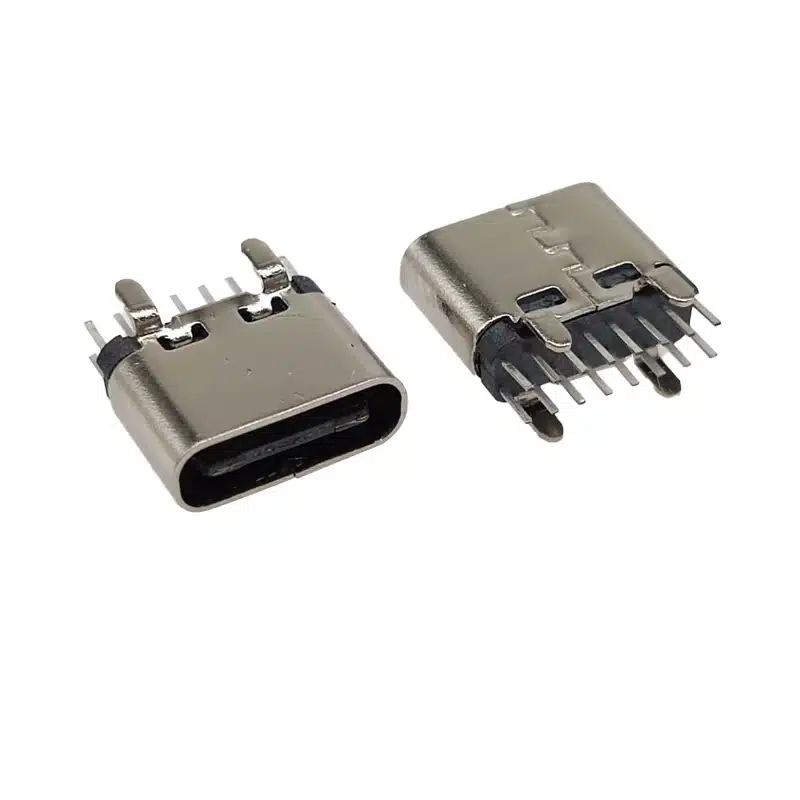
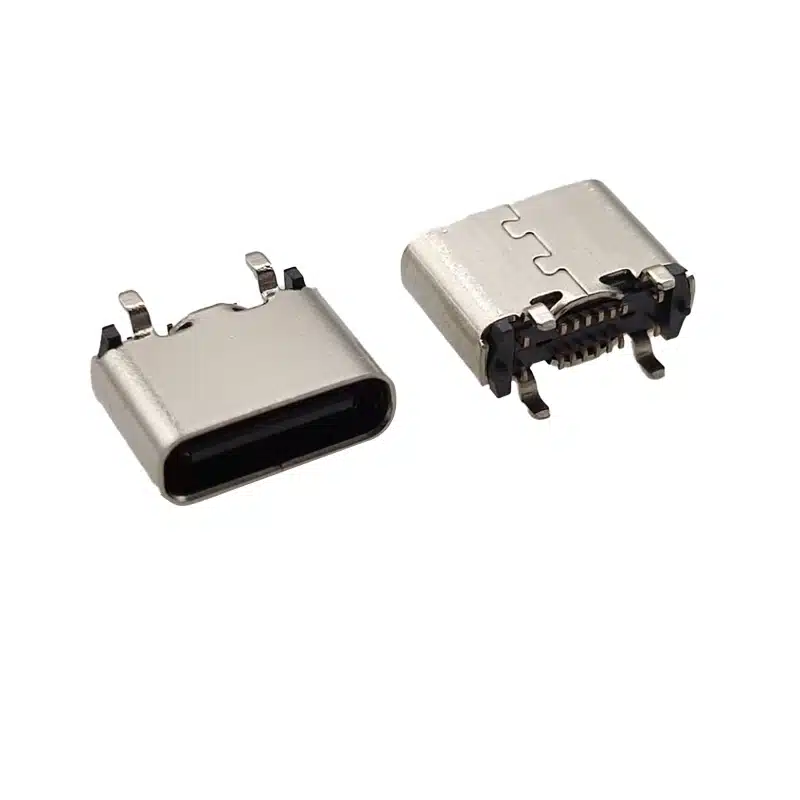
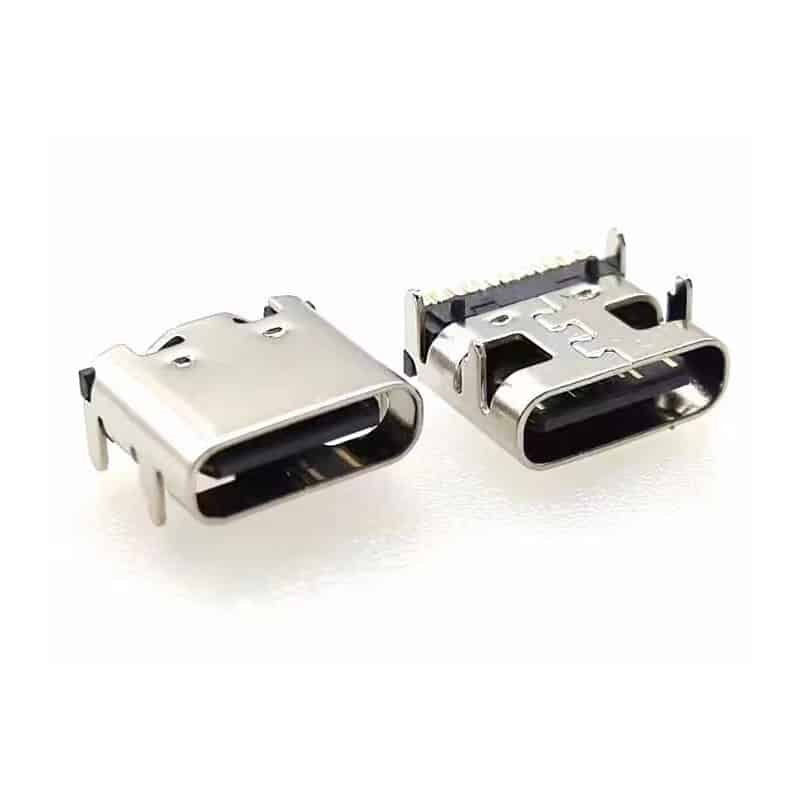


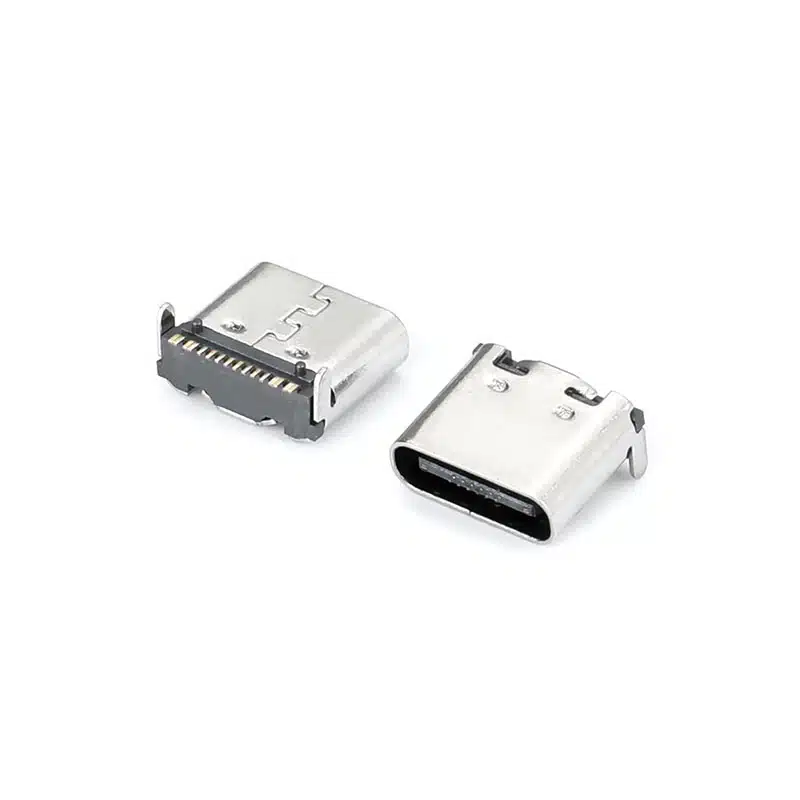


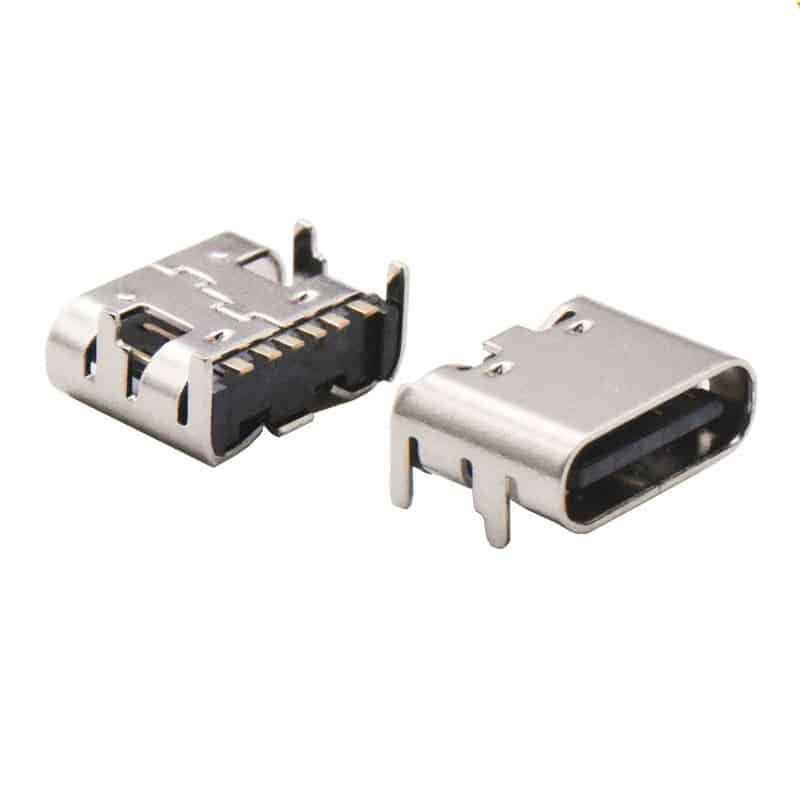

From full-featured 24-pin (USB4 / 40 Gbps) to cost-optimized 6-pin charging-only, we offer every configuration to match your project’s exact performance and budget requirements.
SMT vertical, SMT right‑angle, DIP through‑hole vertical, and mid‑mount (sinking) options — all three are compatible with standard USB-C cables, with mid‑mount offering reduced board height for ultra‑thin devices.
Gold‑plated copper alloy contacts and stainless steel EMI shielding shells ensure stable electrical performance and long‑term reliability even in frequently used ports.
All models include CC1 and CC2 pins for USB Power Delivery negotiation. 24‑pin and 16‑pin models rated at 5A, 6‑pin models rated at 3A. Supports up to USB PD 3.1 (240W) with compatible controller.
Full 24‑pin configurations support DisplayPort 1.4 Alt Mode (8K@60Hz) and HDMI Alt Mode, enabling single‑cable video + data + power for docking stations and monitors.
All USB-C receptacles comply with RoHS 3 (EU 2015/863) and REACH SVHC regulations, with compliance documentation available for EU market entry and supply chain audits.
Shenzhen Vistar Electronics Co., Ltd. is a specialized USB‑C receptacle manufacturer based in Pingshan District, Shenzhen, China. Our USB‑C female connector (receptacle) range includes over 50 SKUs covering every major configuration: 24‑pin SMT horizontal, 24‑pin SMT vertical, 24‑pin SMT right‑angle, 16‑pin SMT right‑angle, 16‑pin SMT vertical, 16‑pin DIP vertical, 16‑pin mid‑mount sinking, and 6‑pin compact variants. All USB‑C receptacle models are manufactured with high‑temperature LCP insulation bodies, gold‑plated copper alloy contacts (Cu alloy, 0.2–0.5μm Au plating), and stainless steel EMI shielding shells, rated for 10,000 mating cycles, and available in tape‑and‑reel or tray packaging for SMT and through‑hole assembly. All comply with RoHS 3 (EU Directive 2015/863), REACH SVHC, and USB‑IF specifications.
We supply OEM and ODM customers in 50+ countries across consumer electronics, automotive, industrial automation, medical devices, and IoT sectors. Custom configurations — including alternative pin counts, mounting heights, sinking depths, shell plating, and waterproof sealing — are available for volume orders. For waterproof USB‑C receptacles, see our dedicated IP67/IP68 range. Explore our full connector catalog including HDMI connectors, DisplayPort connectors, and FPC connectors.

Is USB-C Waterproof? USB-C connectors are not inherently waterproof. A standard USB-C receptacle has no sealing against moisture or dust. Waterproof USB-C...

In today’s highly integrated electronic devices, connectors, as crucial bridges for signal transmission and power supply, directly determine the stability and security...

USB 2.0 vs USB 3.2 vs USB4 Type-C connector comparison. Learn how each protocol version determines pin count, PCB layout complexity, impedance...


