

16 Pin USB 3.1 C-Type Receptacle SMT – Top-Mount 5A High-Current USB-C Connector for Fast Charging Designs
USB 3.1 Top-Mount Connector Overview: 16-Pin USB-C for Power-Focused Applications
The 16 pin USB 3.1 C-Type receptacle SMT (model USB-TC16-F02) from Shenzhen Vistar Electronics is a high-current, top-mount USB-C connector engineered for applications requiring robust power delivery with USB 2.0 data compatibility. This 16-pin configuration strikes an optimal balance—removing the high-speed SuperSpeed differential pairs found in full 24-pin USB-C connectors while retaining essential pins for USB Power Delivery (USB PD), configuration channel (CC) negotiation, and sideband (SBU) alternate mode support[reference:0]. Rated at 5A and 30VDC, the USB-TC16-F02 delivers up to 150W of power capability, making it suitable for fast-charging laptops, portable power banks, and industrial equipment where high-current USB PD is required but USB 3.x/4 data speeds are unnecessary[reference:1].
What distinguishes the 16 pin USB 3.1 C-Type receptacle SMT from both 6-pin power-only connectors and full 24-pin variants is its targeted feature set. With 16 pins, the connector supports USB 2.0 data transmission (D+/D-), full USB PD negotiation via CC1/CC2 pins, and alternate modes such as DisplayPort Audio via SBU pins[reference:2]. Unlike 6-pin connectors that lack data capability entirely, the 16-pin configuration enables basic device communication and firmware updates while maintaining a simpler PCB routing footprint compared to 24-pin versions that require high-speed differential pair routing[reference:3]. The top-mount right-angle SMT design places the mating axis parallel to the PCB edge, enabling side-accessible port placement on enclosure edges.
For a deeper understanding of USB-C pin configurations and selection criteria, we recommend these authoritative external resources: the USB Type-C® Cable and Connector Specification (USB-IF) provides the complete technical foundation for all USB-C connector variants, while DigiKey’s USB-C Connector Design Guide offers practical design-in recommendations. Additionally, GCT’s USB-C connector overview compares 6, 16, and 24-pin configurations across different application requirements[reference:4].
Whether you are designing high-capacity power banks, USB-C docking stations, smart speakers, or industrial battery chargers, the 16-pin top-mount USB-C connector delivers the ideal balance of power delivery capability, space efficiency, and design simplicity. Continue reading to explore its complete specifications, engineering benefits, and typical use cases.
16-Pin USB-C Electrical Specifications: 5A, 30V, 10k Cycle Durability
| Parameter | Specification |
|---|---|
| Part Number | USB-TC16-F02 |
| Connector Type | USB Type-C Female Receptacle, 16-Pin |
| USB Standard | USB 3.1 (USB 2.0 data compatible) |
| Mounting Type | Top-Mount, Right Angle SMT |
| Current Rating (Max) | 5A per pin |
| Voltage Rating | 30V DC |
| Power Delivery Capability | Up to 150W (5A × 30V) |
| Insertion Force | 20N Max |
| Withdrawal Force | 5–20N |
| Operating Life (Mating Cycles) | 10,000 cycles minimum |
| Contact Resistance (Initial) | ≤40 mΩ |
| Insulation Resistance | ≥100 MΩ at 500V DC |
| Dielectric Withstanding Voltage | 500V AC for 1 minute |
| Operating Temperature Range | -40°C to +85°C |
| Packaging | Reel / Tray |
| RoHS / REACH | Compliant |
5A High-Current USB-C Connector Features: 150W PD, Top-Mount SMT, 10k Cycles
5A / 150W Power Delivery Capacity
Rated at 5A continuous current at 30V DC, this connector supports USB Power Delivery up to 150W—sufficient to fast-charge laptops, high-capacity power banks, and industrial equipment. The 5A rating exceeds standard 3A USB-C connectors, enabling higher-power applications without sacrificing reliability[reference:5].
10,000 Mating Cycle Durability
Engineered for long-term reliability with 10,000 mating cycles minimum, this connector withstands frequent plugging and unplugging in consumer and industrial environments. The robust contact design ensures stable electrical performance throughout the product lifecycle[reference:6].
Top-Mount Right-Angle SMT for Edge Placement
The top-mount configuration places the connector on the PCB surface with the mating axis parallel to the board edge, enabling side-accessible USB-C ports on enclosures. This mounting style simplifies mechanical integration and reduces overall device thickness compared to vertical-mount connectors.
Wide –40°C to +85°C Operating Temperature
Reliable operation across extreme temperature ranges makes this connector suitable for outdoor equipment, automotive aftermarket applications, and industrial environments where thermal cycling is a concern.
USB 2.0 Data + Alternate Mode Support
Unlike 6-pin power-only connectors, the 16-pin configuration includes D+/D- pins for USB 2.0 data transmission (up to 480 Mbps) and SBU pins for DisplayPort Alternate Mode support. This enables video output and audio functionality through a single USB-C port[reference:7].
Simplified PCB Routing vs. 24-Pin
By eliminating SuperSpeed differential pairs, the 16-pin design reduces PCB routing complexity and layer count requirements. This simplifies board layout and lowers manufacturing costs while maintaining power delivery and USB 2.0 data capability[reference:8].
Beyond the core advantages, the 16-pin USB-C connector’s top-mount right-angle SMT design is optimized for automated pick-and-place assembly. The connector’s shell stakes provide additional PCB retention, ensuring mechanical stability under repeated mating cycles. For high-volume production, reel packaging supports efficient assembly line integration. For a detailed comparison of 16-pin vs. 24-pin connector architectures, refer to this Vistar Electronics design guide: USB-C 24-Pin Full-Featured vs. 16-Pin USB 2.0: Key PCB Layout Considerations.
USB-C SMT Connector Applications: Power Banks, Laptops, Smart Speakers & More
20,000mAh+ portable chargers supporting fast charging input/output at 5A for rapid battery replenishment.
Power delivery ports for laptops requiring 65W–100W charging with USB 2.0 data capability for peripheral connectivity.
Power input ports on docking stations where high-current pass-through charging is required alongside USB 2.0 host communication.
Primary power input for always-on smart home devices requiring 5A current capacity for amplifier and processor loads.
Tool battery charging stations and industrial equipment requiring high-current USB PD up to 150W.
Wall chargers and car chargers supporting proprietary fast-charging protocols requiring 5A current delivery.
When incorporating the 16-pin USB-C connector into PCB designs, ensure proper placement of the 5A power traces—wider copper pours or heavier copper weights may be required for high-current paths. The top-mount orientation positions the connector near the board edge, so maintain sufficient clearance for cable insertion and removal. For systems requiring both high power and high-speed data, consider the full 24-pin variant; for power-only applications, the 6-pin version offers a lower-cost alternative. The 16-pin configuration is ideal when USB 2.0 data is needed alongside high-current charging.
Frequently Asked Questions – 16-Pin Top-Mount USB-C Connector
What is the difference between 16-pin and 24-pin USB-C connectors?
Does this connector support USB Power Delivery (USB PD)?
What data speed does the 16-pin USB-C connector support?
What is the difference between top-mount and mid-mount mounting styles?
What is the MOQ and sample availability for USB-TC16-F02?
Can I use this connector for both power input and power output?
For technical support, custom designs, or to request evaluation samples, visit the official product page: 16 Pin USB 3.1 C-Type Receptacle SMT – USB-TC16-F02. For a comprehensive guide on selecting the right USB-C pin configuration for your project, Complete Design Guide For Choosing A USB-C Connector provides detailed comparisons of 6-pin, 16-pin, and 24-pin options.

USB4 Type-C Connector 24 Pin Vertical SMT Female Receptacle

24 Pin USB 3.1 Type‑C Female Connector – 10Gbps Full‑Featured High‑Speed USB‑C Receptacle for Demanding Applications

USB Connector USB Type C 16 Pin SMT Receptacle for Charging & Embedded PCB Applications
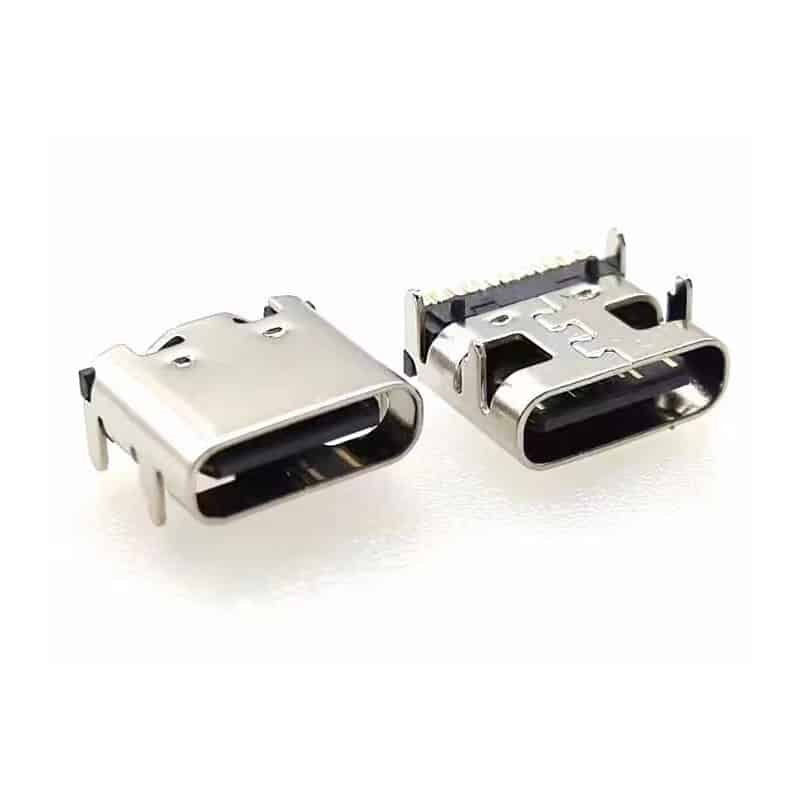
USB Motherboard Connector C 16P SMT Right Angle USB 3.1 Female Receptacle
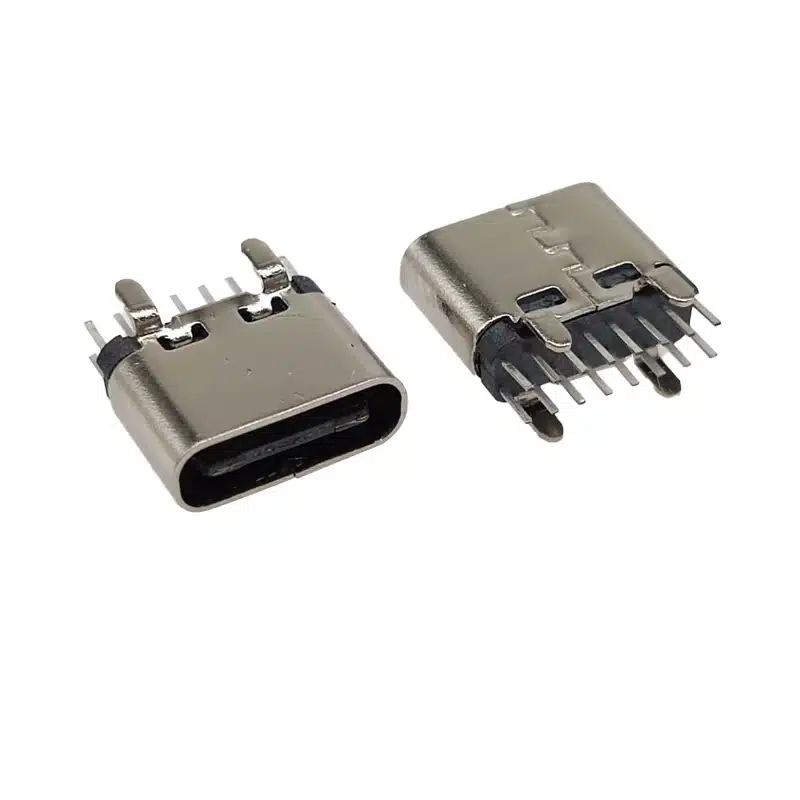
Best USB C 16 Pin DIP Vertical Connector | 3A Through-Hole Type-C Female H=6.5mm | USB-TC16-F09

24 pin Vertical USB-C SMT Connector
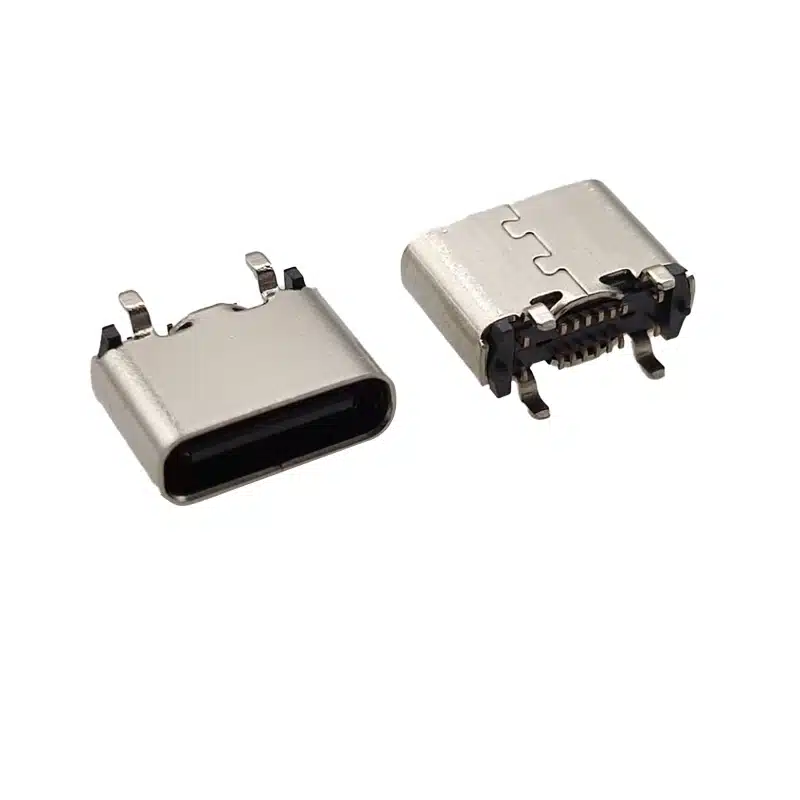
USB 3.1 Type C Motherboard Connector 16 Pin — USB-TC16-F08 SMT Vertical USB-C Female Receptacle for Motherboards, Charging Hubs & Embedded PCBs

24 Pin Vertical USB C Connector for SMT PCB Mounting
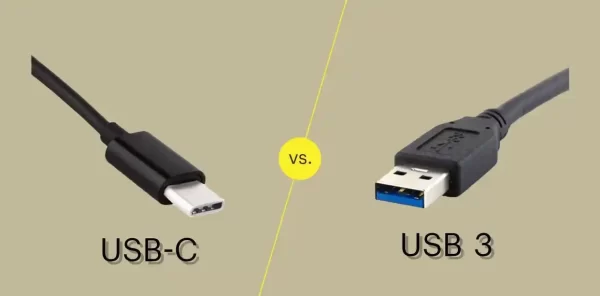
USB-C vs USB 3.0 vs USB4: Which Connector Do You Need for Your Next Design?
If you’re specifying a USB connector for a new product, you’ve probably run into three overlapping terms: USB-C, USB 3.0, and USB4....

USB-C Connector Pinout Guide for Engineers: 24-Pin vs 16-Pin Signal Assignment & PCB Routing
You have spent three weeks finalizing a board design. The BOM is locked, the PCB is routed, and the prototype is on...

USB-C 24-Pin Full-Featured vs. 16-Pin USB 2.0: Key PCB Layout Considerations
Understanding the differences in PCB layout between the USB-C 24-pin full-featured and 16-pin USB 2.0 connectors is crucial for ensuring stable device...