
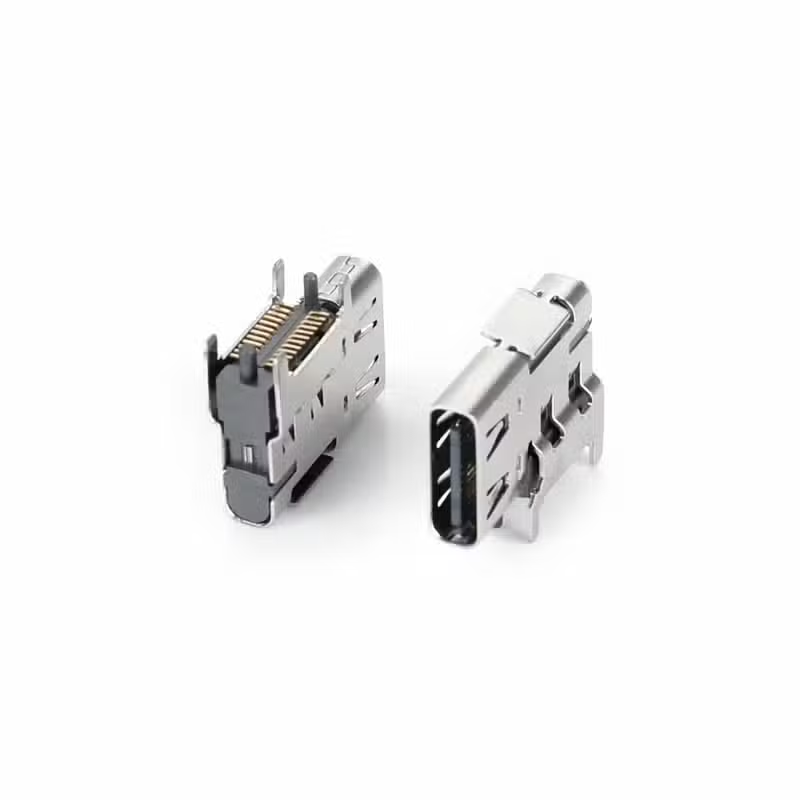
USB Type-C Connector 24 Pin Flank SMT (USB-TC24-F28M02)
Product Overview
The USB Type-C Connector 24 Pin Flank SMT (USB-TC24-F28M02) is a USB Type-C female receptacle for PCB designs that need strong mechanical retention. The right-angle flank (side-mount) design combines SMT pads with through-hole anchor tabs, so the connector resists cable pull and repeated insertion better than a pure SMT part.
It uses the full 24-pin Type-C layout: TX/RX differential pairs for USB 3.2 Gen 2 data at up to 10Gbps, CC lines for power negotiation, SBU lines and D+/D- for USB 2.0. VBUS is rated 5A at 30V DC, which supports up to 100W (20V / 5A) with a compatible PD controller. The connector is rated for 10,000 mating cycles (insertion force ≤20N, withdrawal force 5–20N) and operates from -40°C to +85°C.
A stainless steel dual shell provides EMI shielding. The connector is supplied in tape & reel for automated assembly. The 2D/3D drawing, recommended PCB footprint and high-speed routing notes are available on request. For official standards, see the USB Type-C specification from USB-IF. Looking for the sibling model? See USB-TC24-F28M01 (solid-shell version).
Technical Specifications
| Parameter | Specification |
|---|---|
| Part Number | USB-TC24-F28M02 |
| Connector Type | USB Type-C Female Receptacle, Flank SMT + Through-Hole |
| Pin Count | 24 Pins (Full-Featured) |
| Interface Standard | USB 3.2 Gen 2 / USB Type-C |
| Data Transfer Speed | Up to 10Gbps |
| Current Rating | 5A (VBUS), 0.5A per data pin |
| Voltage Rating | 30V DC |
| Mounting Type | Flank SMT + Through-hole anchor tabs |
| Connector Orientation | Right Angle (Horizontal) |
| Dimensions | See 2D/3D drawing (available on request) |
| Insertion Force | 20N Max |
| Withdrawal Force | 5 – 20N |
| Durability | 10,000 Mating Cycles |
| Contact Material | Copper Alloy, Gold Plated (≥30μ”) |
| Contact Resistance | ≤30 mΩ initial |
| Insulation Resistance | ≥100 MΩ |
| Withstanding Voltage | AC 250V for 1 min |
| Operating Temperature | -40°C to +85°C |
| Shell & Shielding | Stainless Steel, Dual Shell EMI Shielding |
| Housing Material | High-Temperature Thermoplastic (UL94V-0) |
| Packaging | Tape & Reel (1,500 pcs/reel) / Tray |
| Compliance | RoHS 3, REACH |
Specifications are for reference. Please confirm against the latest datasheet before design-in, or contact our engineers.
Key Features
Applications
USB-TC24-F28M02 vs USB-TC24-F28M01
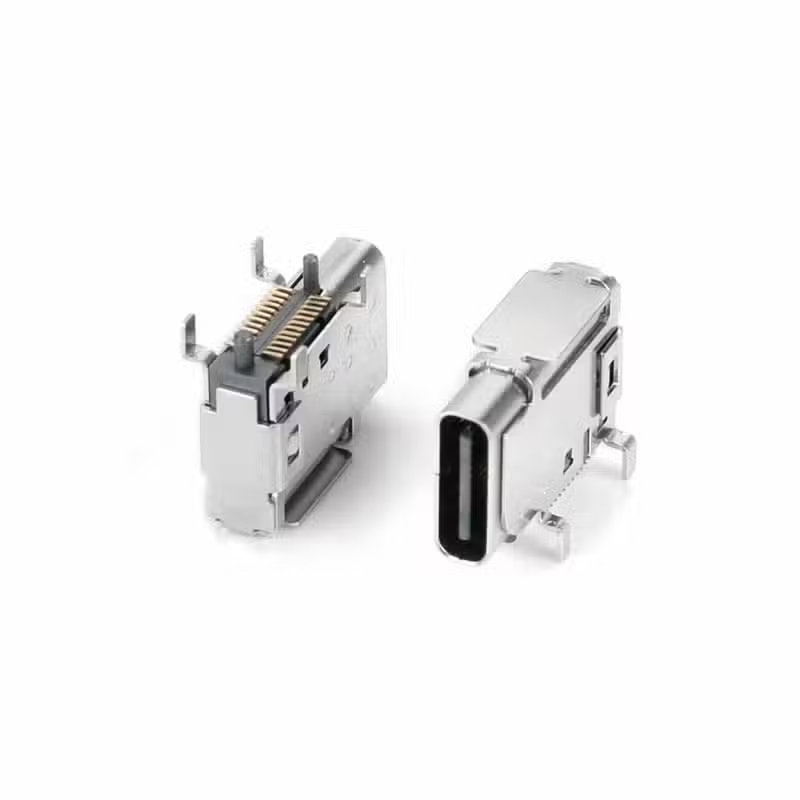
USB-TC24-F28M02 and USB-TC24-F28M01 are both 24-pin side-mount USB Type-C receptacles with SMT pads and anchor tabs, and their overall dimensions are similar. They differ in construction: F28M02 has a slotted stainless steel shell with straight through-hole anchor tabs, while F28M01 has a more solid shell with a larger flat top plate and bent-over solder tabs. Compare the 2D drawings of both parts before choosing.
| USB-TC24-F28M02 | USB-TC24-F28M01 | |
|---|---|---|
| Mounting | Flank SMT + through-hole anchor tabs | SMT + through-hole reinforcement |
| Orientation | Right angle | Right angle |
| Speed | USB 3.2 Gen 2 (10Gbps) | USB 3.2 Gen 2 |
| Overall dimensions | Similar | Similar |
| Shell | Slotted stainless steel shell | Solid shell with large flat top plate |
| Anchor tabs | Straight through-hole tabs | Bent-over tabs and locating post |
Frequently Asked Questions
What is the difference between flank SMT + through-hole and standard SMT?
Standard SMT relies only on surface solder joints, which can weaken under cable pull or vibration. This design adds anchor tabs that pass through the PCB and are soldered on the other side, which improves retention and shear resistance.
What is the difference between USB-TC24-F28M02 and USB-TC24-F28M01?
Both are 24-pin right-angle USB Type-C receptacles with similar overall dimensions. F28M02 has a slotted stainless steel shell and straight through-hole anchor tabs. F28M01 has a more solid shell with a large flat top plate, bent-over solder tabs and a round locating post. Their footprints and tab positions may differ, so please check both 2D drawings before switching from one to the other.
Is this connector 10Gbps or 20Gbps?
It is specified for USB 3.2 Gen 2, which is 10Gbps. 20Gbps (Gen 2×2) is not a rating of this part. Actual link speed also depends on your host controller, cable and PCB layout.
Does it support DisplayPort Alt Mode?
The 24-pin layout includes SBU1/SBU2 and high-speed pairs, so it can carry DisplayPort Alt Mode when paired with a suitable controller and mux. Supported resolution depends on your system design.
What current and power does it support?
VBUS is rated 5A at 30V DC, up to 100W at 20V / 5A with a compatible PD controller. It does not cover 48V extended-power designs.
Do you have USB4 (40Gbps) versions?
This part is specified for USB 3.2 Gen 2. For USB4 designs, see USB-TC24-F25 or USB-TC24-F30.
What are the MOQ, lead time and samples?
MOQ is 1,000 pcs and lead time is 2–4 weeks for production quantities. Free samples are available for qualified projects, along with the datasheet and 2D/3D drawing on request.

16 Pin USB-C Connector Mid-Mount SMT – 10Gbps USB 3.2 Receptacle

USB Type C Surface Mount Connector 16P — USB-TC16-F04 16 Pin SMD Horizontal Receptacle with 5A Rating

24 Pin Vertical USB-C Connector SMT (USB-TC24-F12)
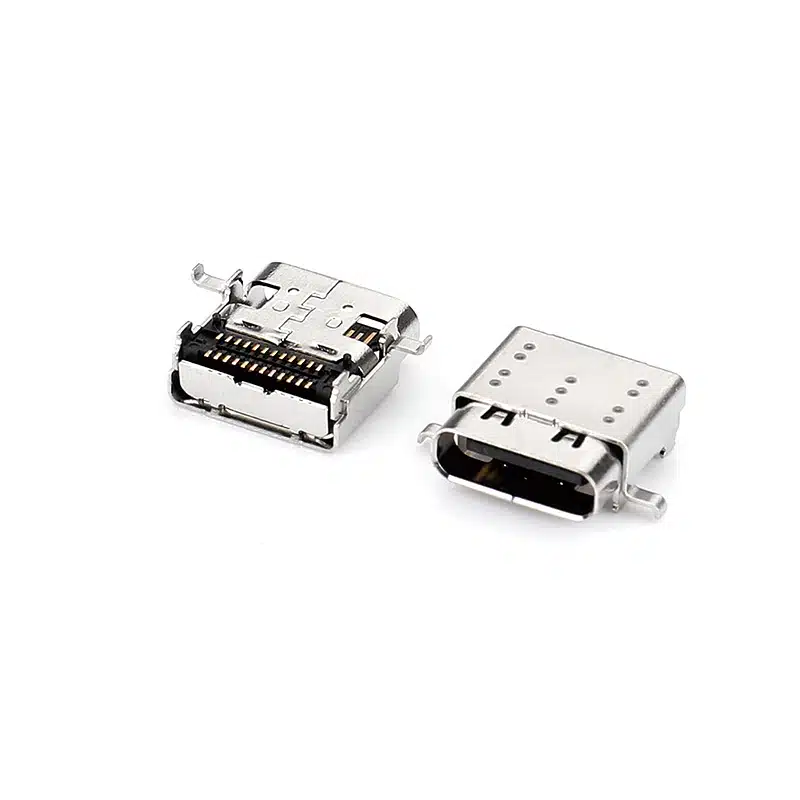
USB C Connector SMT 24 Pin — Right-Angle USB-C Receptacle, CL=1.57mm L=9.17mm, USB-TC24-F22

24 Pin USB Type-C Female Connector Mid-Mount — Single Shell, L=8.65mm, CL=0.32mm for Ultra-Thin PCBs

USB 3.2 Gen 2 Type-C Connector 24 Pin (USB-TC24-F28)

USB C Female Connector — 24 Pin SMT+DIP Extended Shell, Top-Mount Horizontal Receptacle

USB4 Female Type c USB connector 24 Pin mid-mount SMT CL=0.5mm L=8.17mm

USB-C Connector Pinout Guide for Engineers: 24-Pin vs 16-Pin Signal Assignment & PCB Routing
When moving from the pinout to a physical part, orientation matters as much as pin count. The USB-TC24-F12 (vertical SMT solder mount)...

USB-C 24-Pin Full-Featured vs. 16-Pin USB 2.0: Key PCB Layout Considerations
Understanding the differences in PCB layout between the USB-C 24-pin full-featured and 16-pin USB 2.0 connectors is crucial for ensuring stable device...
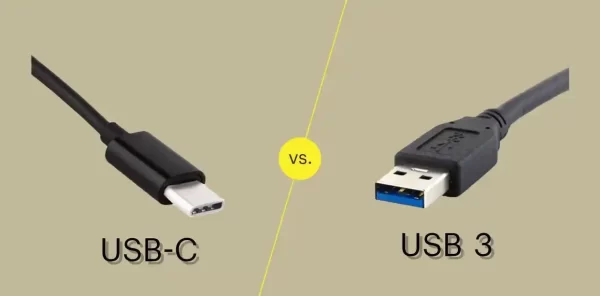
USB-C vs USB 3.0 vs USB4: Which Connector Do You Need for Your Next Design?
If you’re specifying a USB connector for a new product, you’ve probably run into three overlapping terms: USB-C, USB 3.0, and USB4....