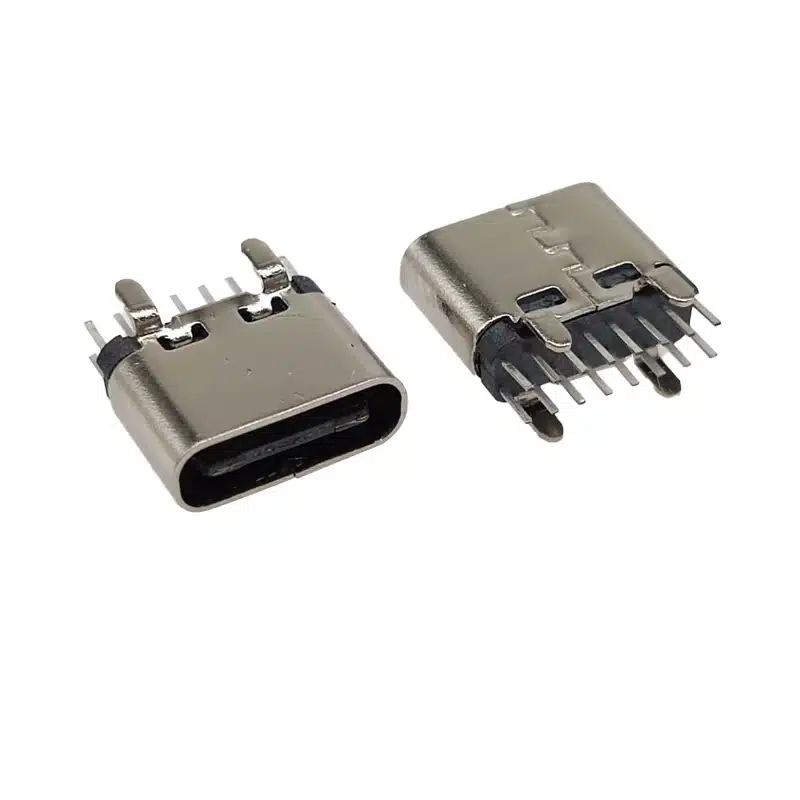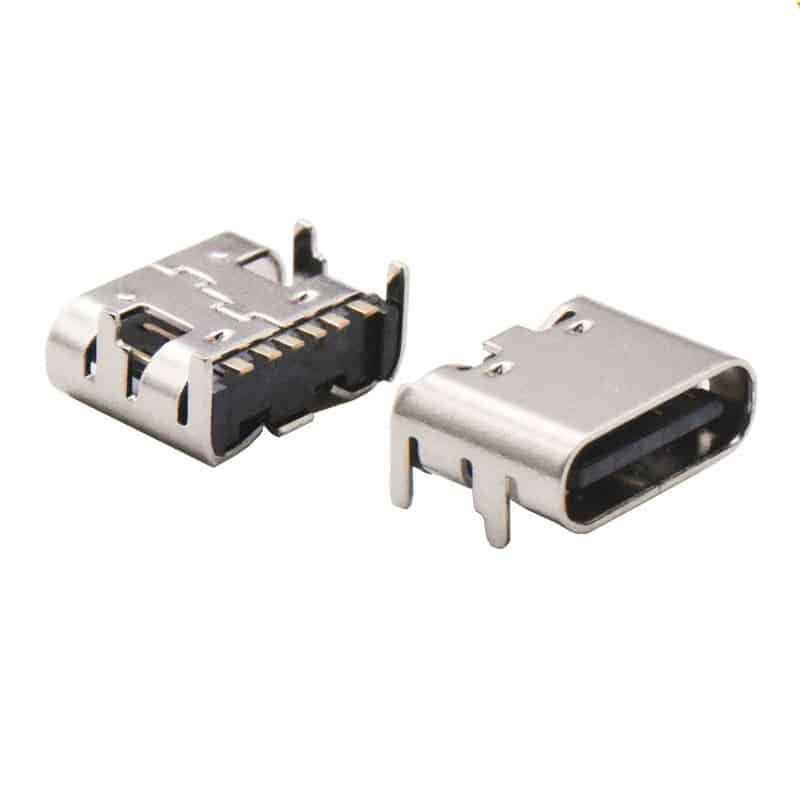
In modern digital life, the USB-C interface has become a standard feature of electronic devices, from smartphones and laptops to tablets and various peripherals. This small connector handles multiple tasks, including data transfer, video output, and device charging. However, traditional straight USB-C connectors often face problems such as cable bending, space constraints, and connector wear. The emergence of right-angle USB-C connectors, with their unique angled design, cleverly solves these long-standing problems for users.
What is a Right-Angle USB-C Connector?

A right-angle USB-C connector, as the name suggests, refers to a USB-C plug with a 90-degree bend. Unlike traditional straight connectors, its plug and cable are at a right angle, and it comes in two main types: “left-angle” and “right-angle,” to accommodate different device interface positions and space layouts. Some more advanced connectors even offer a 180-degree design that lies completely flat against the side of the device.
This design is not just a change in appearance, but a thoughtful consideration of the physics of connection. It reorganizes the force transmission path between the cable and the device interface, transforming the lateral pulling force that often leads to interface damage in traditional designs into a gentler axial pressure, fundamentally improving the durability of the connection.
Design Types and Core Advantages
Right-angle USB-C connectors on the market mainly come in three design types:
- 90-degree left-angle design: The plug bends to the left, suitable for scenarios where space is limited on the right side of the device interface.
- 90-degree right-angle design: The plug bends to the right, suitable for scenarios where space is limited on the left side of the device interface.
- 180-degree flat design: The plug is completely parallel to the side of the device, providing the most compact connection solution.
These designs offer multiple practical advantages:
Protection of Device Interfaces: In traditional straight connectors, accidental pulling or bending pressure on the cable is directly transmitted to the device interface, which can easily lead to loose or even damaged interfaces over time. The right-angle design changes the direction of force transmission, significantly reducing mechanical stress at the interface. Space Saving: In space-constrained environments, such as using a laptop close to a wall, connecting to the back of a gaming console, or in-car charging scenarios, right-angle connectors fit snugly against the side of the device, reducing the required depth and preventing excessive cable bending.
Increased Cable Lifespan: By eliminating sharp bends at the connection point, the right-angle design reduces stress on the cable in this critical area, delaying cable sheath cracking and internal wire breakage.
Aesthetic and Tidy: Right-angle connectors allow cables to extend naturally along the side of the device, contributing to a cleaner and more organized work and entertainment environment.
In-Depth Analysis of Applicable Scenarios
Gaming Laptops: Most gaming laptops have their ports concentrated on the sides and back of the chassis. When connecting multiple peripherals, right-angle USB-C connectors prevent cables from interfering with each other, ensuring all connections are secure and reliable, especially during intense gaming sessions where cables might be pulled.
In-Car Environment: In the limited space of a car, using a right-angle USB-C connector for charging a phone or navigation device allows the cable to lie flat against the side of the center console, avoiding interference with the driver’s gear shifting or passenger legroom.
Multi-Monitor Office Setup: For users connecting multiple external monitors to their laptops, right-angle connectors reduce the amount of desk space occupied by cables, making cable management more efficient and creating a tidier workspace.
High-Density Mobile Device Environments: In shared workspaces, conference rooms, or cafes, right-angle connectors reduce the risk of cables being accidentally tripped over, protecting personal devices from port damage.
Creative Professionals’ Mobile Workstations: For photographers and video producers connecting external storage devices, monitors, and charging equipment, right-angle connectors allow for more connections in limited space while protecting the ports of expensive professional equipment.

How to Choose the Right Right-Angle USB-C Connector
When faced with the wide variety of right-angle USB-C products on the market, consumers should consider the following key factors:
Direction Selection: Carefully observe the space around the device’s port. If there are obstacles to the right of the port (such as a wall, other ports, or the edge of the device), choose a left-facing right-angle design; otherwise, choose a right-facing design. When unsure, choose products with rotatable and adjustable directions.
Specifications Matching: Ensure the connector supports the functions you need:
- Charging only: Choose a basic model that supports appropriate power delivery (e.g., 60W or 100W)
- Data transfer: Confirm support for USB 3.1 or USB 3.2 Gen 2 standards for high-speed transfer needs
- Video transmission: If connecting to a monitor, choose a model that supports DisplayPort Alt Mode
- Multifunctional needs: Consider top-of-the-line models that support Thunderbolt protocol, simultaneously meeting high-speed data, video output, and high-power charging requirements
Cable Quality: Pay attention to the braiding quality, length, and durability of the cable itself. Shorter cables (0.5-1 meter) usually provide more stable signal transmission and are suitable for fixed locations; longer cables (1-2 meters) offer greater flexibility.
Brand and Certification: Prioritize products from brands certified by USB-IF to ensure compatibility and safety. Reputable brands usually provide more reliable quality assurance and after-sales service.
Special Needs Considerations:
- Gamers: Focus on high bandwidth support to ensure optimal performance for external graphics card enclosures or high-speed storage
- Professional users: Consider Thunderbolt 4 specifications supporting 40Gbps data transfer and dual 4K display output
- Mobile scenarios: Choose lightweight and flexible cables for easy carrying and storage
Potential Limitations and Precautions
Although right-angle USB-C connectors have clear advantages, there are still some limitations to consider:
Compatibility Issues: Some particularly thick device protective cases may prevent the right-angle connector from being fully inserted. It’s best to measure the available space around the device interface before purchasing, or choose a connector with an ultra-thin design.
Heat Dissipation Considerations: During prolonged high-load work (such as high-speed data transfer and high-power charging simultaneously), the right-angle design may slightly affect air circulation in the interface area. Ensure the device itself has a good cooling system.
Fixed Direction: The direction of most right-angle connectors is fixed, and if the wrong direction is chosen, it may not be suitable for specific usage scenarios. Some high-end models offer rotatable or interchangeable direction solutions, but these are more expensive. Price Differences: Compared to traditional straight-through connectors, right-angle designs are typically 20%-50% more expensive, especially models that support high-speed data transfer and high-power charging.
Future Development Trends
As device designs become more compact and multifunctional, right-angle USB-C connector technology is constantly evolving:
Adjustable Angle Design: Adaptive right-angle connectors that can rotate 0-180 degrees are already available on the market, allowing users to freely adjust the angle as needed for multiple uses.
Integrated Expansion Functions: Some high-end right-angle connectors are beginning to integrate small HUB functions, providing additional interfaces while maintaining a compact design.
Material Innovation: New products using shape memory alloys and reinforced composite materials can withstand repeated bending at larger angles without fatigue.
Intelligent Design: Built-in chips can monitor connection status, temperature, and data transmission quality in real time, providing feedback through LED indicators or mobile applications.
Wireless Complementary Solutions: Although wireless charging and transmission technologies are constantly developing, wired connections still have irreplaceable advantages in stability and speed in the foreseeable future. Right-angle USB-C designs will continue to evolve, complementing rather than replacing wireless technology.
Conclusion
The right-angle USB-C connector is a typical example of an ergonomic design improvement. It doesn’t change the basic electrical characteristics of the USB-C interface, but through clever adjustments to its physical form, it significantly improves the user experience and device safety. In today’s world, where electronic products are increasingly integrated into every aspect of life, this attention to detail reflects a shift in design thinking from “functional” to “user-friendly.”
Whether you’re pursuing a minimalist desktop environment, a professional user needing to protect expensive equipment, or a mobile worker seeking to maximize connectivity in limited space, the right-angle USB-C connector offers a simple and effective solution. As the technology matures and prices become more affordable, this “space-saving magician” is expected to become a standard accessory for more and more users, achieving a more efficient, safer, and longer-lasting connection experience through a small change in angle.