

Vertical DisplayPort Connector 20 Pin SMT — H=15mm PCB Receptacle (DP-F06-15H)
Part No: DP-F06-15H | H = 15mm | SMT / Through-Hole
Vertical DisplayPort Connector 20 Pin SMT — Technical Specifications
| Parameter | Value | Notes |
|---|---|---|
| Part Number | DP-F06-15H | Standard catalog item |
| Interface Standard | DisplayPort 1.4 | Up to 32.4 Gbps (HBR3) |
| Pin Count | 20 Pins | Full DisplayPort pinout |
| Mount Type | Vertical (Upright) | PCB surface mount |
| Termination | SMT + Through-Hole | Mixed mounting |
| Connector Height | H = 15mm | Above PCB surface |
| Current Rating | 0.5A | Per contact |
| Insertion Force | ≤ 35N | Max |
| Withdrawal Force | ≥ 8N | Min retention |
| Operating Life | 5,000 mating cycles | — |
| Packaging | Reel / Tray | SMT compatible |
| Compliance | RoHS 3, REACH | EU & global export ready |
Key Features — Vertical DisplayPort Connector 20 Pin SMT H=15mm
DisplayPort 1.4 — Up to 32.4 Gbps
Full 20-pin DisplayPort configuration supporting HBR3 bandwidth up to 32.4 Gbps, enabling 8K resolution at 60Hz and HDR10 video output in compatible systems.
Vertical SMT — Space-Efficient PCB Layout
Upright vertical mounting orientation combined with H=15mm profile allows clean panel-mount integration in monitors, docking stations, and video processing boards.
Secure Retention — 8N Min Withdrawal
Minimum 8N withdrawal force ensures the DisplayPort cable stays firmly connected in vibration-prone environments such as industrial displays and automotive infotainment.
SMT + Through-Hole Mixed Termination
Combined SMT signal contacts and through-hole mounting pins provide superior mechanical retention on the PCB, ideal for panel-mount ports subject to repeated plug/unplug cycles.
Reel & Tray — SMT Production Ready
Available in tape-and-reel or tray packaging for seamless integration into automated SMT pick-and-place assembly lines, reducing handling time and improving yield.
RoHS 3 & REACH Compliant
Fully compliant with RoHS 3 (EU Directive 2015/863) and REACH SVHC, ensuring safe export to EU, North American, and other regulated markets worldwide.
Typical Applications
The vertical DisplayPort connector 20 pin SMT (DP-F06-15H) is designed for PCB-mounted video output ports where upright orientation and high-speed display signal integrity are required.
Frequently Asked Questions
What DisplayPort version does the DP-F06-15H support?
What is the difference between vertical and right-angle DisplayPort connectors?
Is the DP-F06-15H compatible with Mini DisplayPort or USB-C Alt Mode?
What is the minimum order quantity (MOQ) and lead time?
Can I get a free sample of the DP-F06-15H?
Does Vistar offer custom DisplayPort connector configurations?
Why Source From Vistar Electronics
Years Experience
Connector design and manufacturing since 2009
Product SKUs
USB-C, HDMI, DisplayPort, RJ45, FPC and more
Countries Served
Global logistics and compliance support
Certified Compliant
RoHS 3, REACH, ISO 9001 certified factory


How to Choose DisplayPort Connector for Your PCB Design– Complete Guide
Learn how to choose DisplayPort connector for your PCB design. Compare SMT vs through-hole, height options, durability, and key electrical specs. Includes expert tips and product recommendations. As display resolutions continue to climb toward 8K and beyond, the humble DisplayPort connector has become a critical component in modern electronic designs. Whether you are developing a high-end graphics card, an industrial
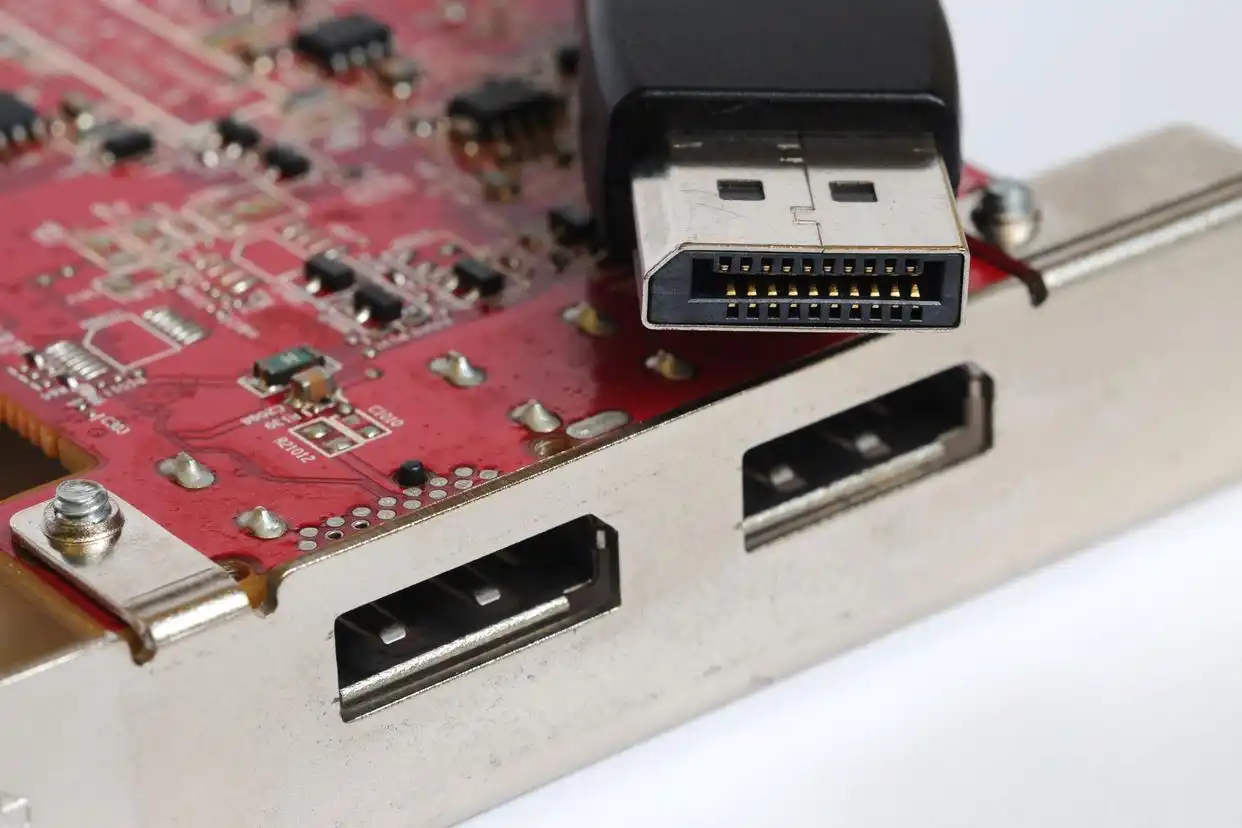
How to Clean the DisplayPort Connector Port and Troubleshoot DisplayPort Handshake Issues
Cleaning the DisplayPort connector and troubleshooting handshake failures can be addressed from the following two main aspects. Properly Cleaning the DisplayPort Connector Port Poor physical connection is a common cause of issues like black screens or flickering. Before attempting complex software settings, ensure the port and cable are clean and securely connected. You will need: A can of compressed air,
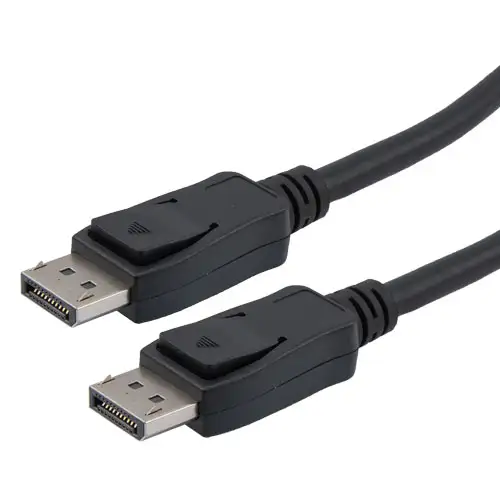
How to fix DisplayPort no signal
DisplayPort no signal issues are usually caused by physical connection problems, incorrect signal source selection, graphics card drivers, or settings. Please follow the steps below, starting with the most common causes and progressing to more complex ones. Step-by-Step Troubleshooting Guide You can follow this flowchart to quickly pinpoint the problem of DisplayPort no signal. It summarizes the troubleshooting logic from