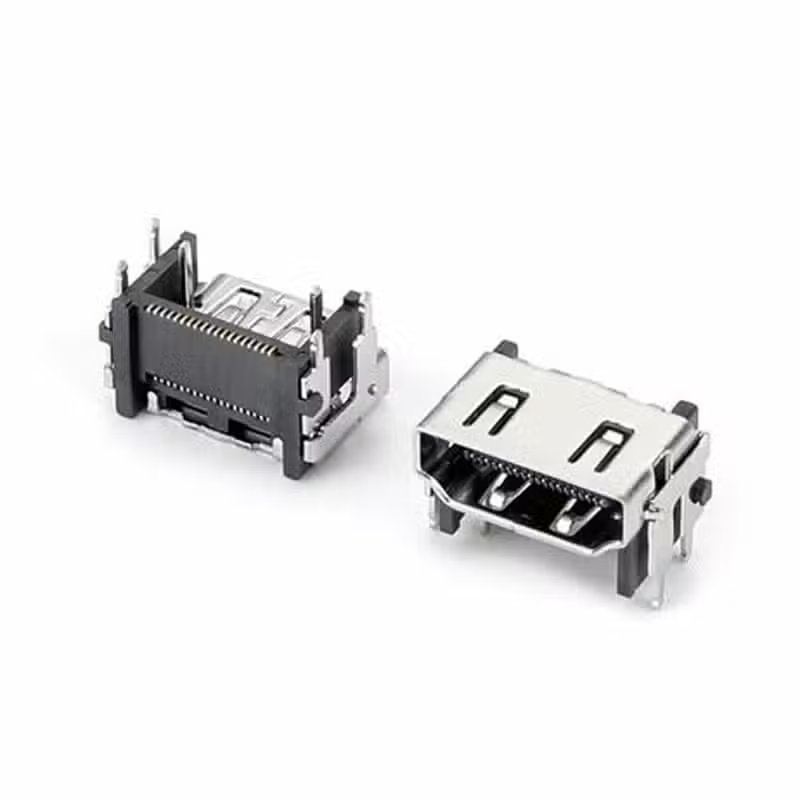
Des: PCB mount 20 pin DP DisplayPort 1.4 connector smt right angle thourgh hole
Part No: DP-F13A
Specification:
Rating: 0.5A
Insertion force: 35N Max
Withdrawal force: 8N Min
Operating Life: 5,000Cycles
Packaging: Reel/Tray




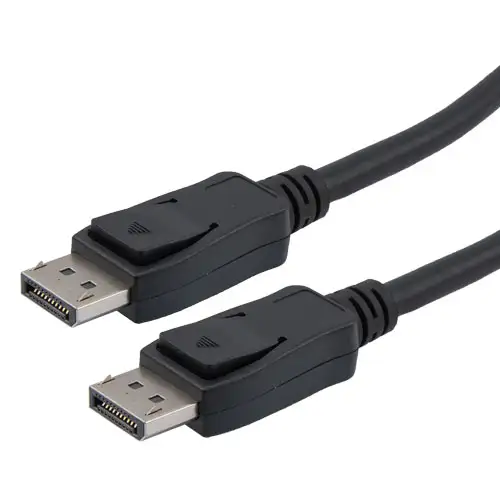
DisplayPort no signal issues are usually caused by physical connection problems, incorrect signal source selection, graphics card drivers, or settings. Please follow the steps below, starting with the most common causes and progressing to more complex ones. Step-by-Step Troubleshooting Guide You can follow this flowchart to quickly pinpoint the problem of DisplayPort no signal. It summarizes the troubleshooting logic from
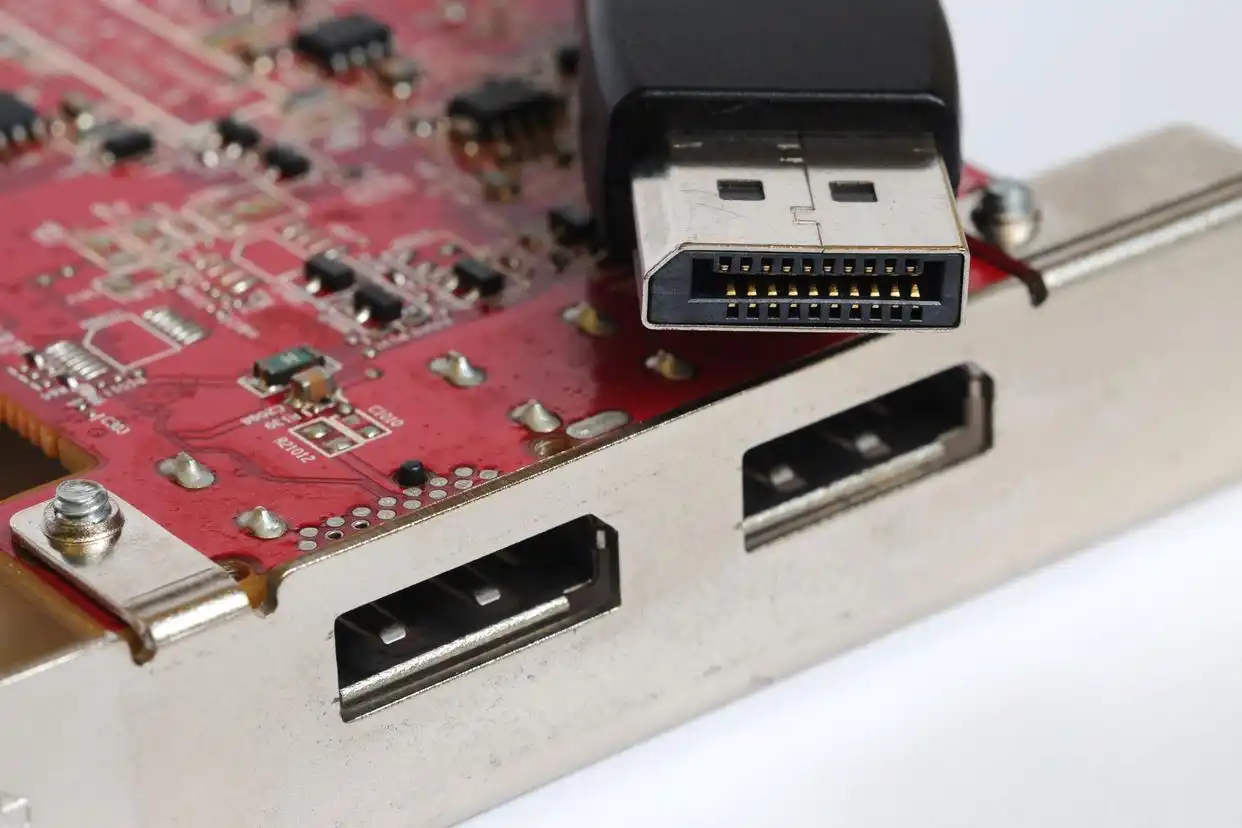
Cleaning the DisplayPort connector and troubleshooting handshake failures can be addressed from the following two main aspects. Properly Cleaning the DisplayPort Connector Port Poor physical connection is a common cause of issues like black screens or flickering. Before attempting complex software settings, ensure the port and cable are clean and securely connected. You will need: A can of compressed air,
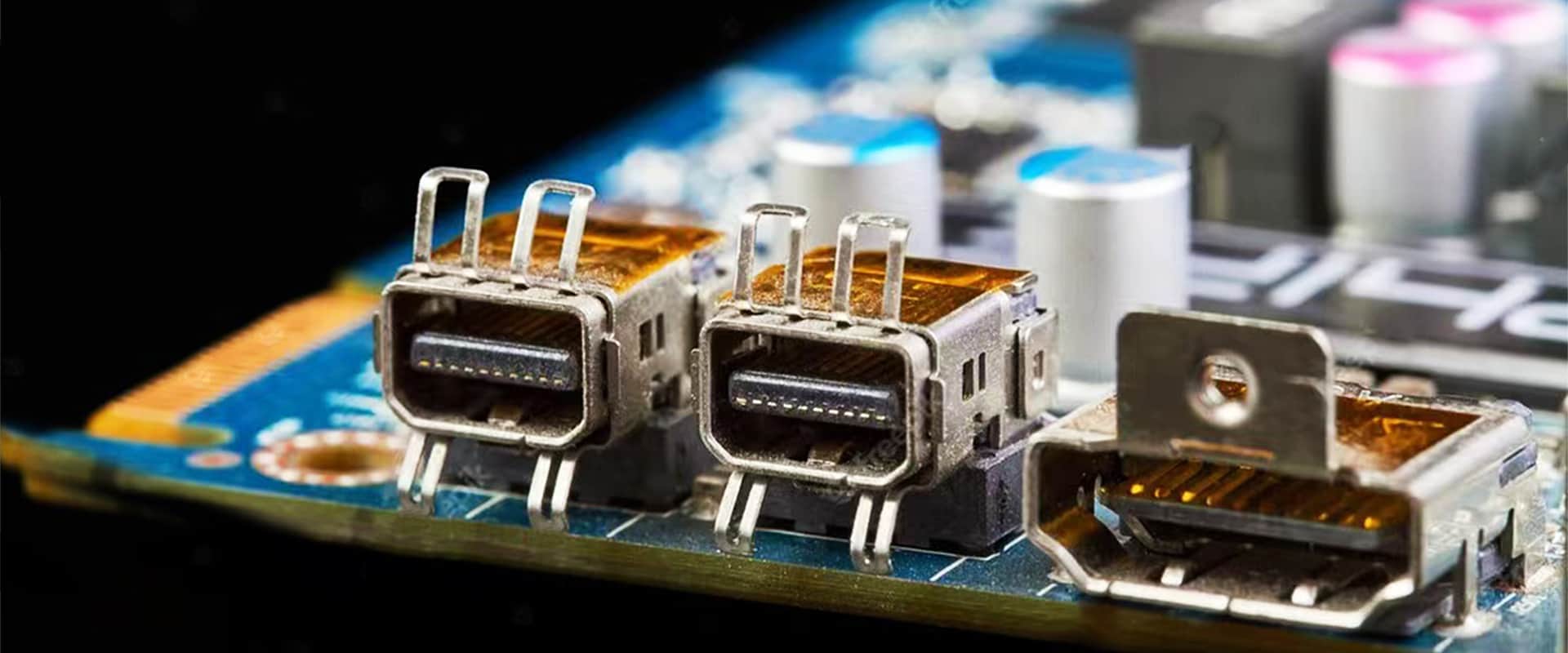
The DP interface, or DisplayPort interface, is a digital video interface standard developed by the PC and Chip Manufacturers Alliance and standardized by the Video Electronics Standards Association (VESA) in 2006. This DisplayPort interface is designed to meet the growing demand for high-resolution, high-bandwidth video transmission, gradually replacing traditional VGA, DVI and HDMI interfaces. The following is a detailed introduction